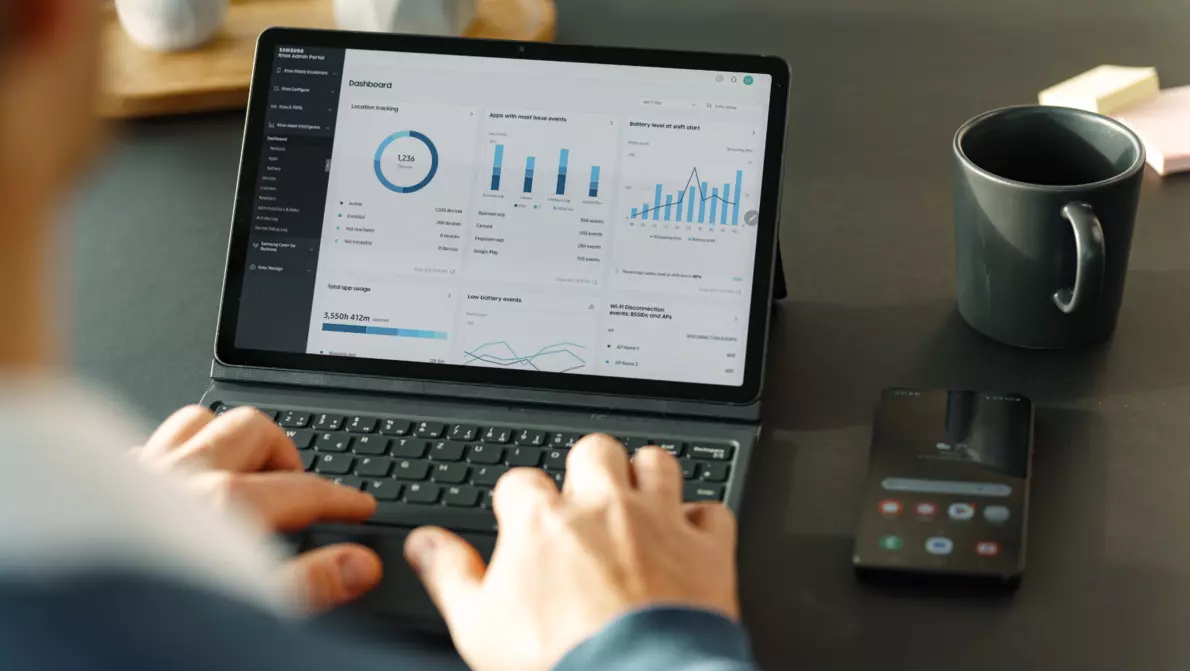
More and more companies are adopting flexible work models that rely on mobile devices. This brings with it the challenge of managing smartphones, tablets, and laptops securely and efficiently. Mobile Device Management (MDM), as part of Device as a Service (DaaS) by KOMSA, offers a comprehensive solution that simplifies the deployment, management, and protection of mobile infrastructure.
Automated Device Provisioning with Mobile Device Management (MDM)
![[Translate to English:] Person richtet am PC Unternehmensgeräte ein](/fileadmin/_processed_/2/e/csm_Text_Media_MDM_Pillar_56d6d97e31.webp "[Translate to English:] MDM Einrichtung der Geräte")
Quick setup, less effort: Thanks to automated (de)enrollment, new devices are preconfigured right away and are ready for use immediately. IT administrators save valuable time, while employees can use their devices with a significantly simplified setup process.
Mobile Device Management as a Control Center: By integrating MDM solutions such as Samsung Knox Manage, all devices can be managed centrally. This means:
-
Remote installation and updates of apps
-
Real-time access controls and security policies
-
Protection of sensitive corporate data through encrypted communication
Flexibly scalable: Whether you have 100 or 1,000 devices—with Mobile Device Management (MDM) as part of DaaS by KOMSA, your IT infrastructure remains flexible and can respond quickly to new requirements.
Kiosk Mode (Lockdown Mode) – Limit Devices to a Single App
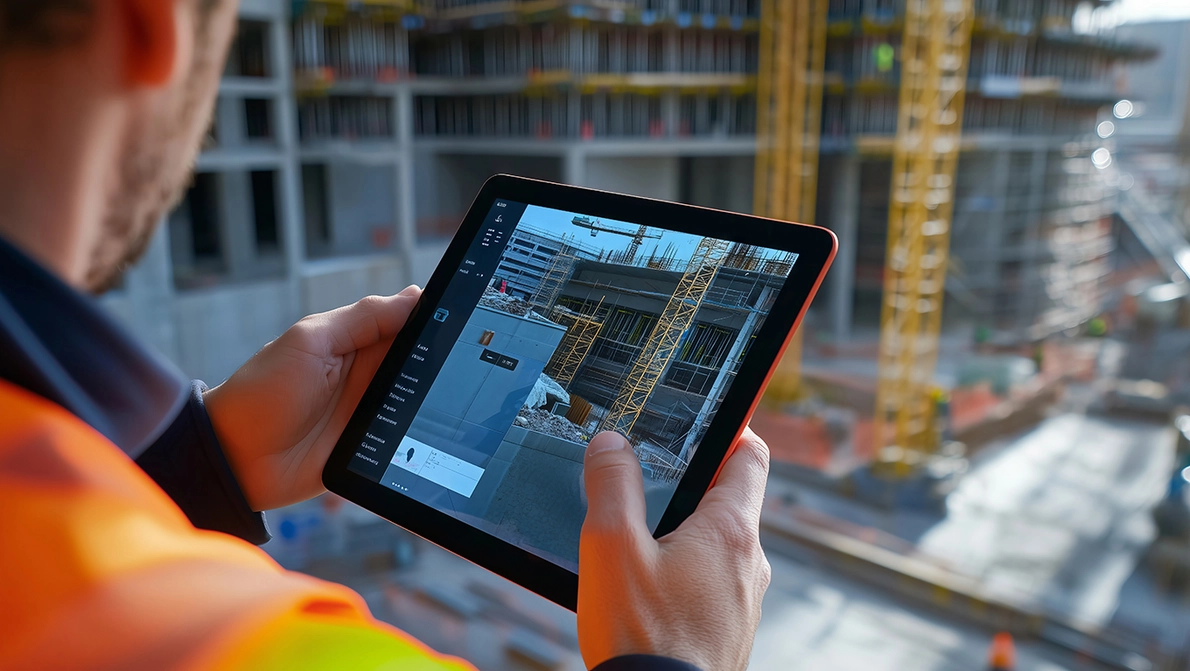
For specific use cases, Mobile Device Management offers the option to put devices into kiosk mode (also known as lockdown mode). This restricts the device to a single app or a defined selection of applications. This mode is particularly useful for:
-
Feedback stations or surveys where only one form should be accessible
-
Information kiosks or digital displays with fixed content
-
Workstations in production or logistics that require only specific company software
Kiosk mode ensures that the device always remains in the intended application—preventing accidental exits or unintended use of other apps.
An Overview of Mobile Device Management Solutions
Modern MDM solutions offer numerous advantages:
-
Centralized management of all mobile devices
-
Automated updates and security patches
-
Easy management of user permissions and company policies
-
Reduced IT ticket volume through self-service features
Samsung Knox Manage, as an example of a powerful MDM platform, allows you to take full advantage of all these benefits. Among other things, the solution offers:
-
Granular access controls
-
Multi-layer security mechanisms
-
GDPR-compliant data management
MDM in combination with DaaS by KOMSA means:
-
Less administrative work
-
Greater IT security
-
Cost-effective use of IT resources

Are you ready to take your IT infrastructure to the next level?
Contact us today to find out how DaaS can help your business grow.
Security & Cost Control with Mobile Device Management (MDM) in DaaS
Case Study: Efficient Device Management in a Medium-Sized Company
A medium-sized company with 500 employees relies on DaaS by KOMSA with an integrated MDM solution. Before the implementation, IT administrators had to deal with a significant amount of manual work—from setting up new devices to managing security updates.
After implementing Samsung Knox Manage as part of DaaS, the company was able to:
Reduce the setup time for new devices by 70%,
Centrally manage security policies and automate compliance requirements,
and reduce IT tickets by 40%, as many configuration tasks are now handled remotely.
Thanks to its flexible scalability, new employees can be set up more quickly, and devices can be easily replaced as needed.
The result: increased productivity, reduced IT workload, and maximum security.